Multifunctional featured Sketchware project store
Download, upload & share FREE projects. Get source codes, blocks, more blocks & assets. Upload your projects for FREE and get some money in return.
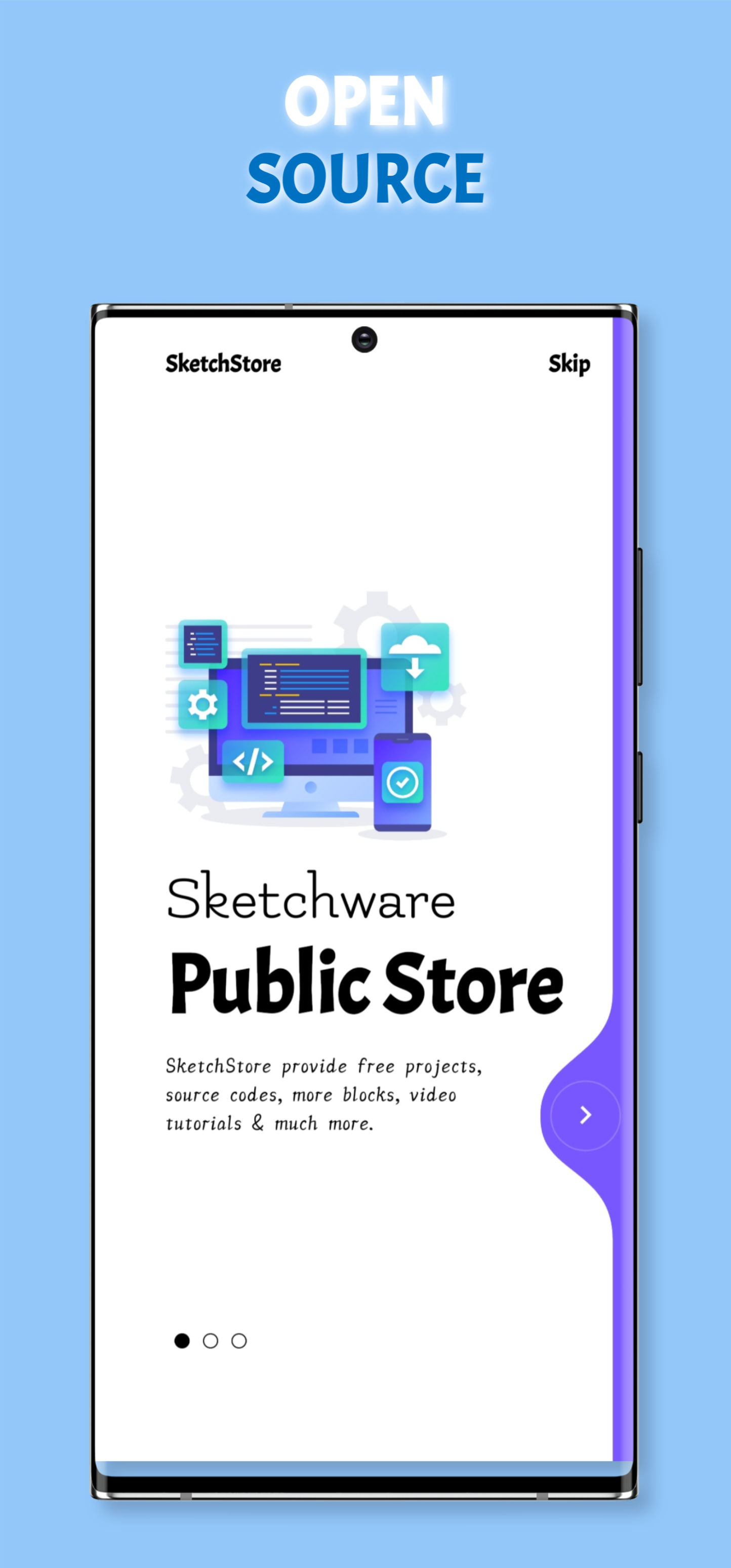
Download, upload & share FREE projects. Get source codes, blocks, more blocks & assets. Upload your projects for FREE and get some money in return.
Google sign in, neat and clean interface, one click to signup/login, quick access to Privacy Policy.
Dynamic, neat and clean and colourised code editor comes with extra modifiable toolbar(upcoming).
Awesome interface, responsive UI(adapts to all screen sizes), attractive animations that makes the app outstanding.
Backup projects privately in local or cloud storage.
Share backup projects with specific person throw high encryption.
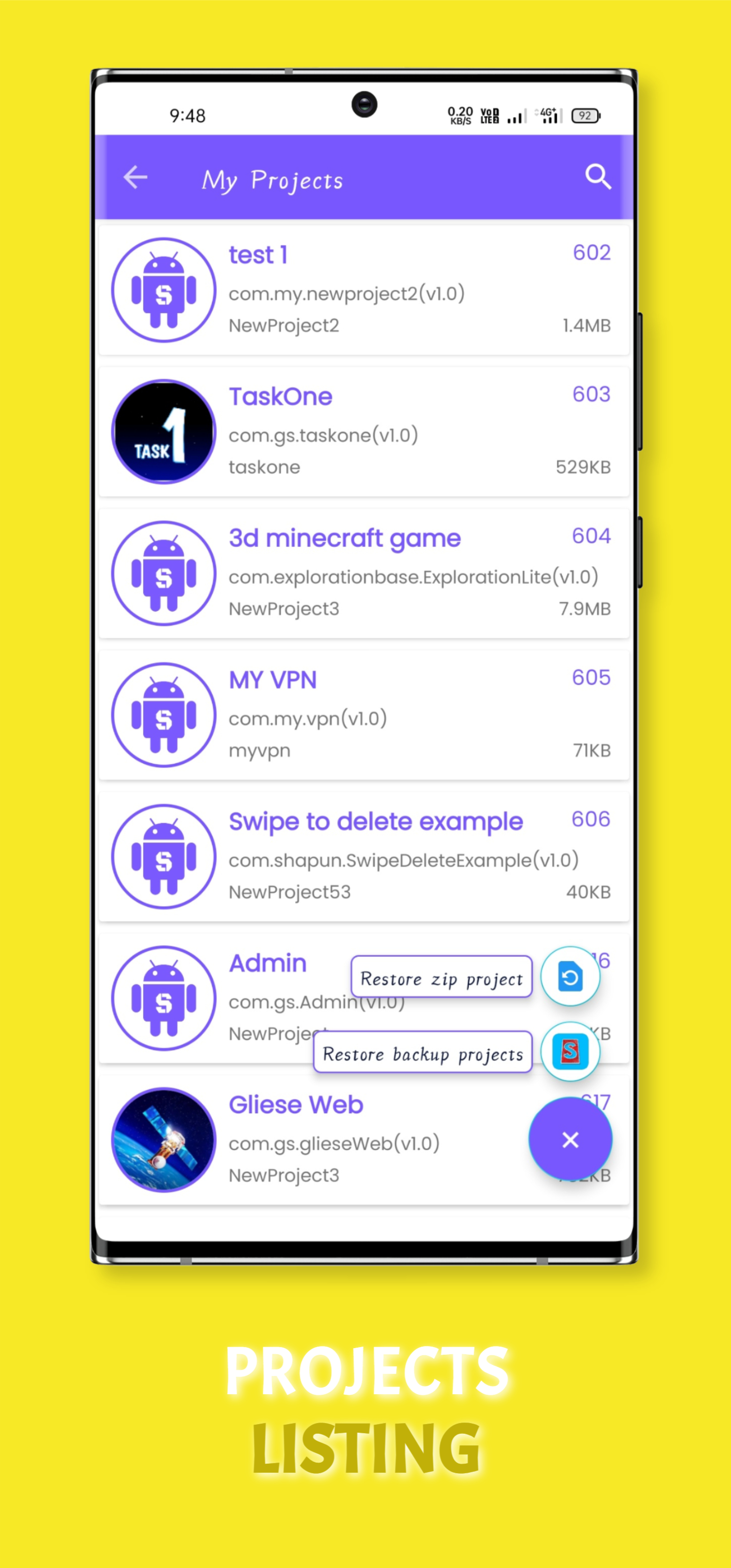
SketchStore, the unofficial project store is created for sharing sketchware projects, codes, blocks and assets to the world. By uploading your projects on SketchStore you can get feedbacks from the users about how's your project or how can you improve it and also you earn some money on each new download in your project. There is small virtual communication system throw what you can talk to other developers.
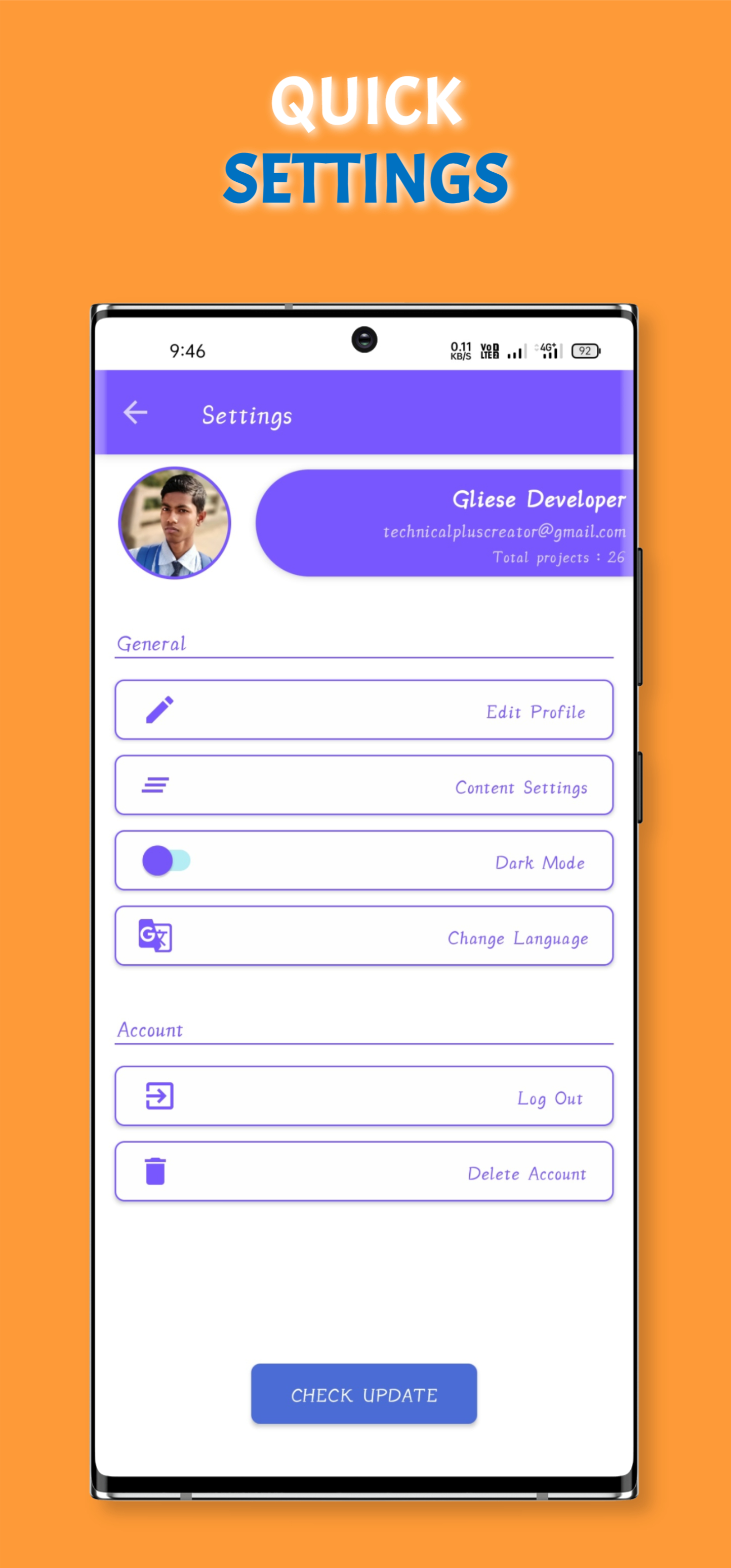
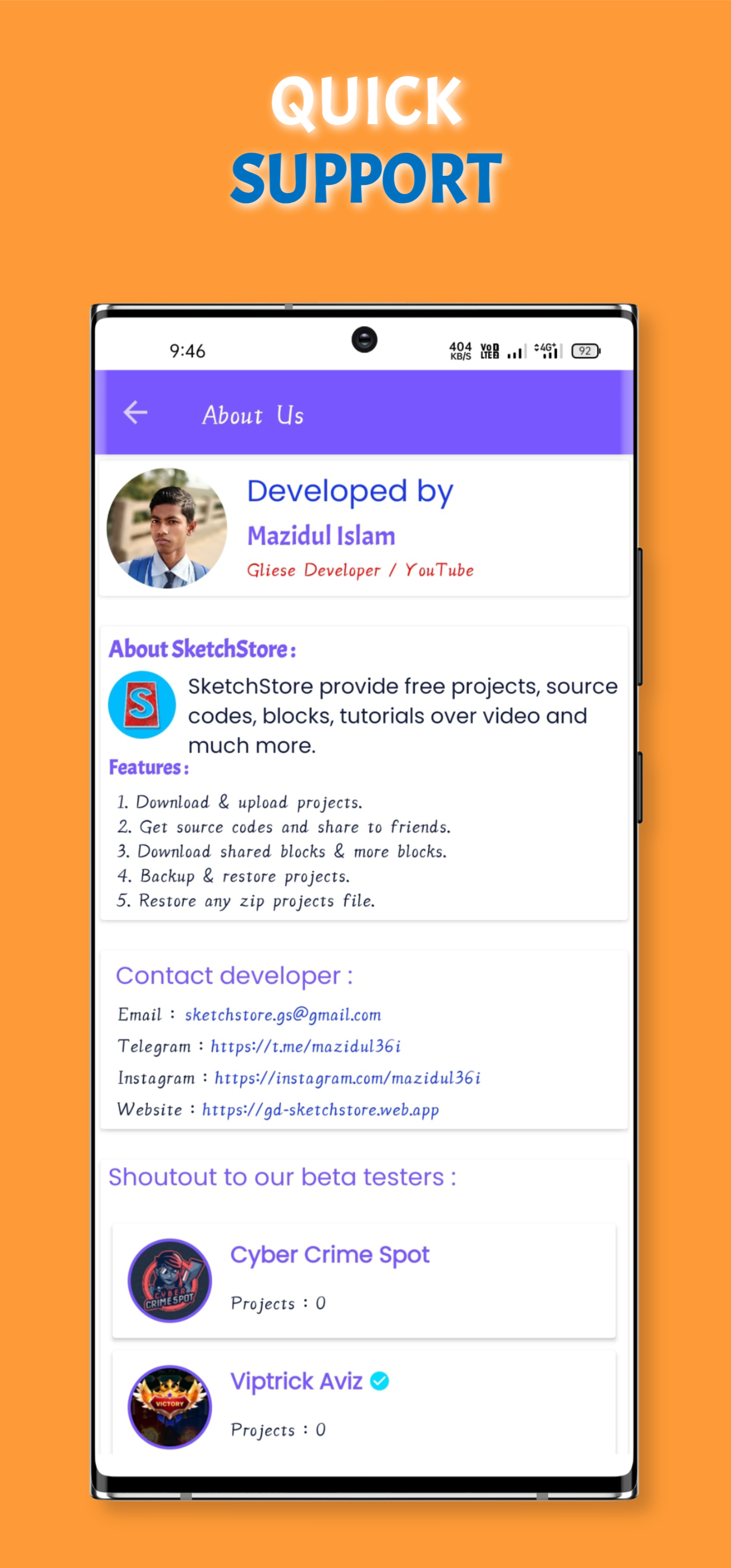
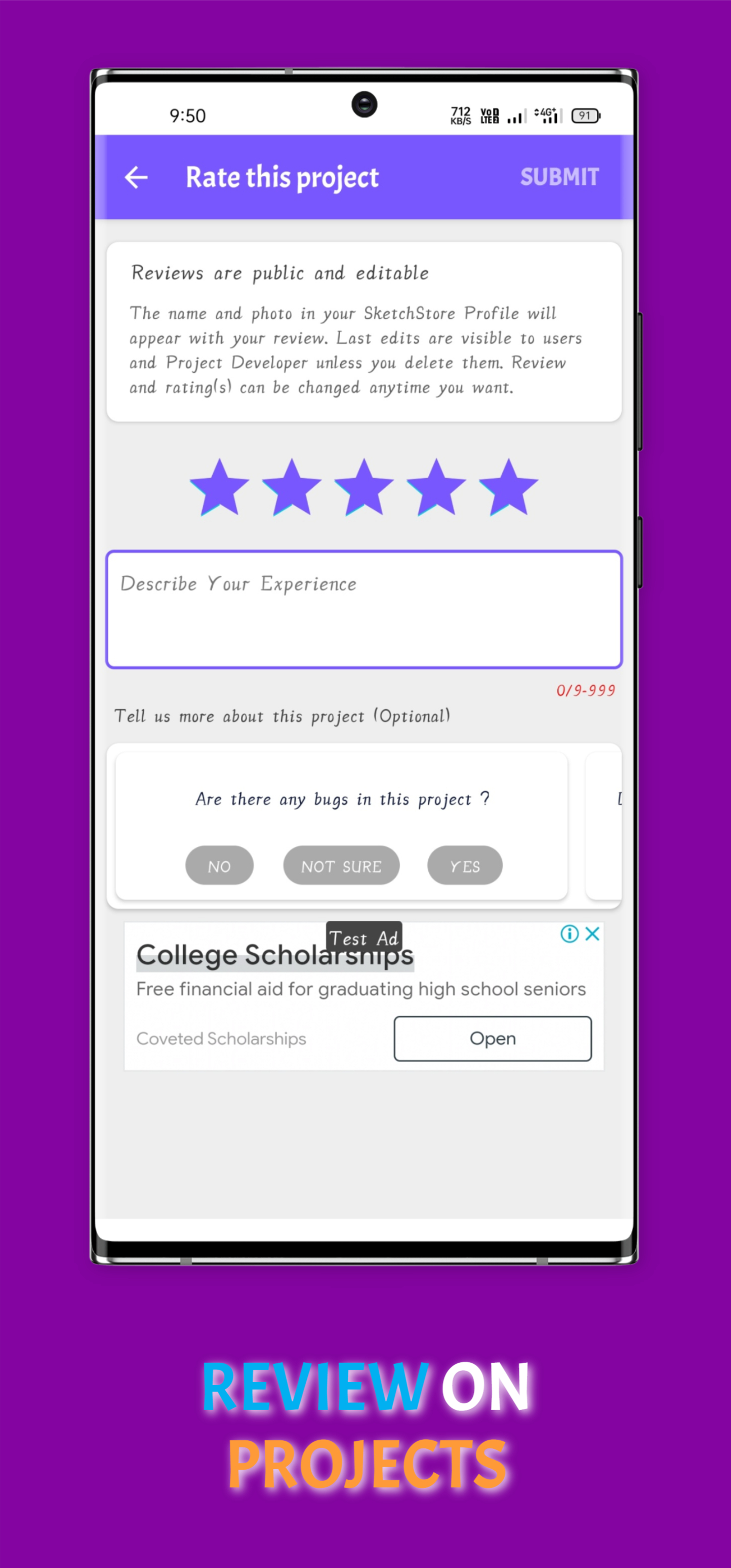
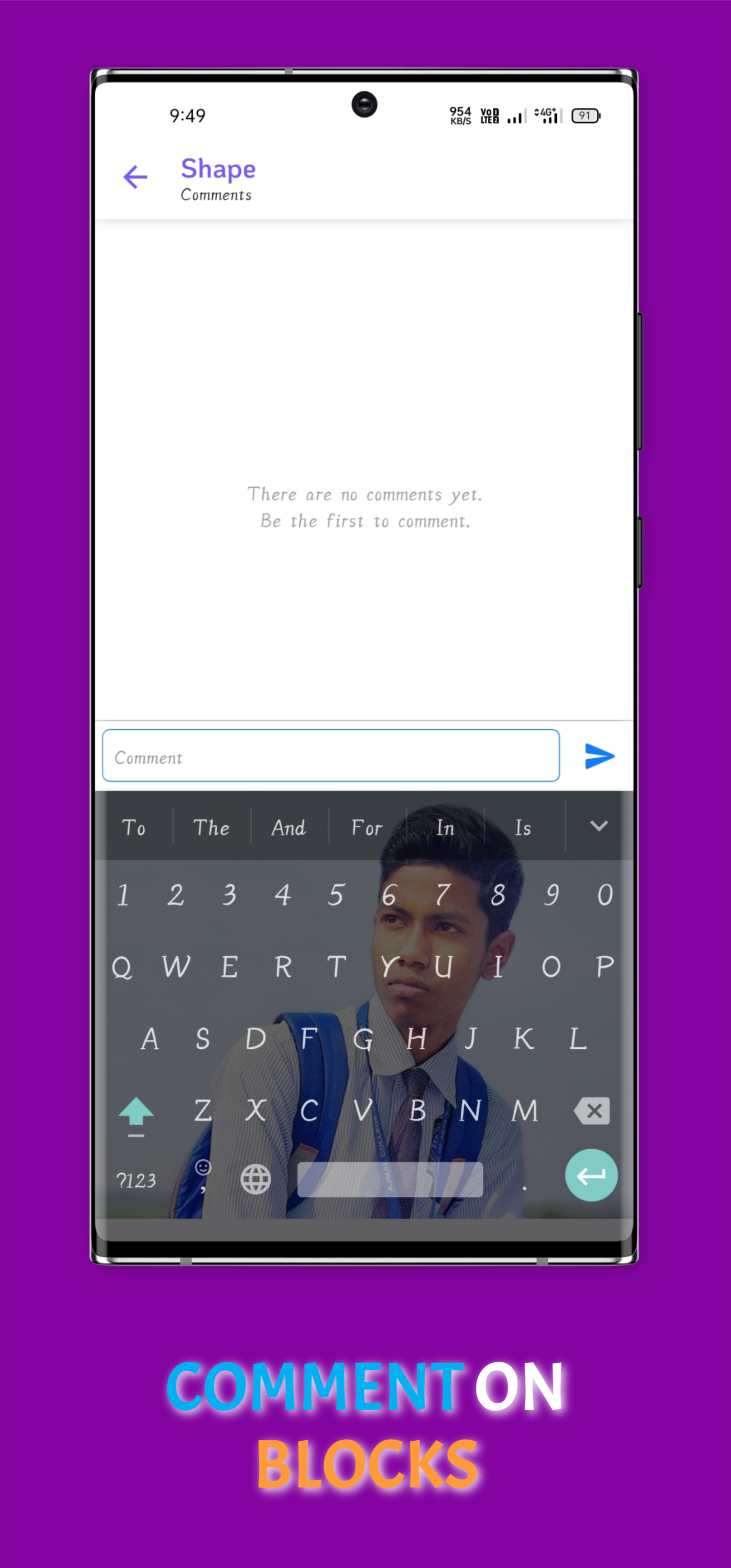
Version : v1.1.1 Size : 7.9MB
Download the app from any of the given medium mentioned above.
Sign In to the app and thus create a new profile or login to previous account.
Search your required projects & sources in Home, other pages or directly from the Search Bar.
Download your selected projects & sources. Specific sources can add directly into any project.

In short, SketchStore makes my Sketchware development easier, more efficient and faster.

I am very glad to say that SketchStore is truly better. Its pixel perfect design and animatiion are so cool.

SketchStore is Great platform for Sketchware beginners. It provides free projects for learning and developing.

Owner,
developer,
UI designer, web designer.
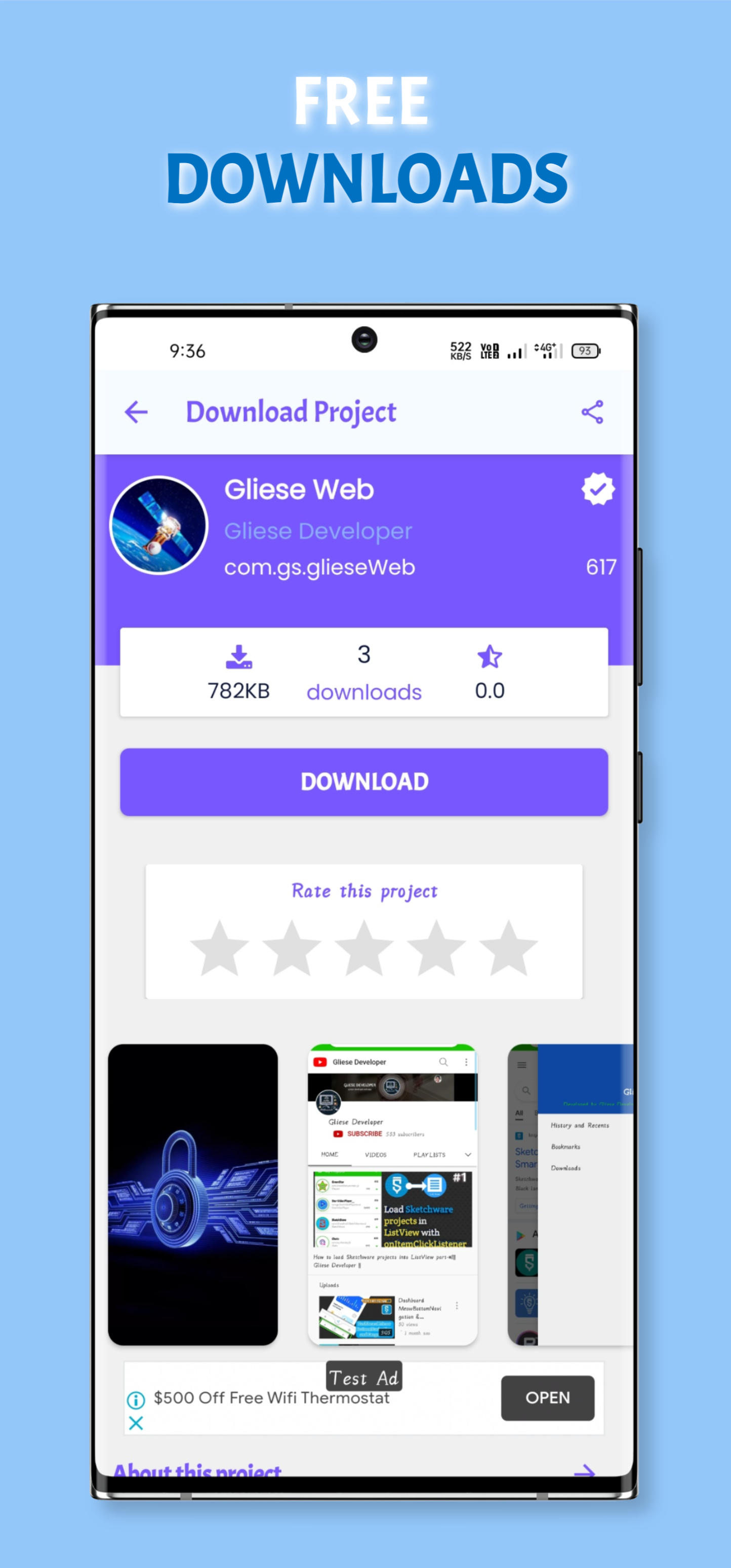
To download a project from SketchStore, open SketchStore app (*if you don't have, download, install & sign up now).
1. Search your required project from home screen or directly from Search view.
2. Click on the DOWNLOAD button when the project is fully loaded, download progressbar will appear.
3. Download will finish shortly ending the download progressbar and will added to your project list.
4. If your sketchware is already opened then just refresh the list to load newly downloaded project(s).
1. When you have SketchStore & you are logged in, click on Blocks Nav button from bottom of Home Screen.
2. Click on desired blocks you want to download. Click on the DOWNLOAD button when the page is fully loaded.
3. The block will added to your more blocks list withing 3 seconds.
4. Unfortunately, there is no refresh/reload option available in Sketchware. So, you will have to restart Sketchware (any version including mods) to load newly listed more blocks.
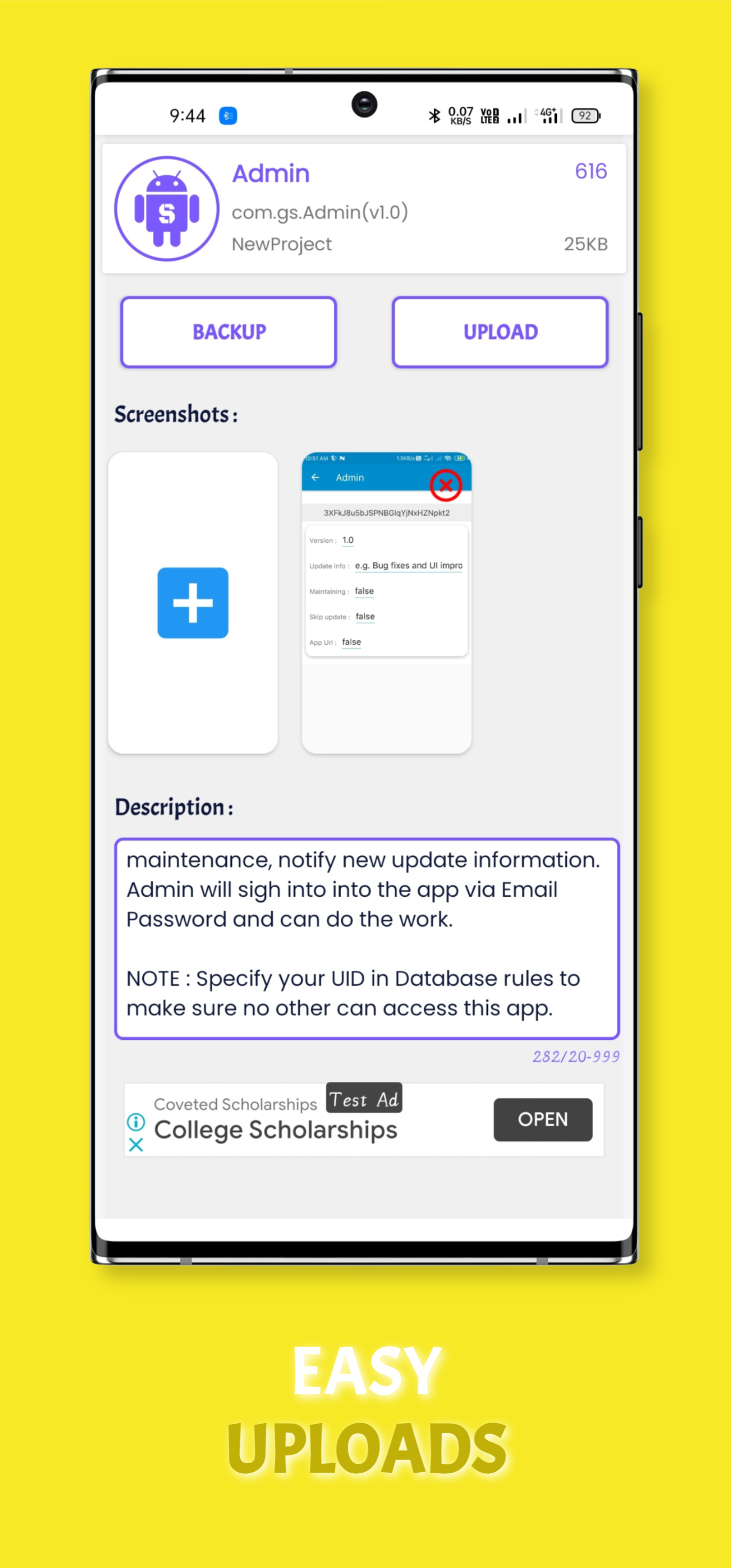
It's very easy to upload a project/more block in SketchStore.
1. Open Your Projects/More Blocks from drawer button 'My Projects'/'My Blocks' then click a project/more block which you want to upload.
2. Write Project/Block description(about project/features/requirements).
3. Add at least one Screenshot of your project/more block.
After completing all tasks click on 'UPLOAD' button to start uploading.
You can update new version of your project in this same way(*upcoming).
NOTE: While uploading a project don't remove SketchStore from recent apps on your Android phone else upload may get failed.
Barpeta Road, Assam, India